Mobile Timesheet

GreatSoft's mobile timesheet App not only allows you to keep timesheets more easily, but also allows you to record mileage and expenses in real time and On the GO!

Get Started

Highly successful teams get work done by using our mobile app

PwC KPMG BDO Moore Nolands Old Mutual

Mobile app Solutions

Timer icon

Timesheets

Monitor the status of every timesheet at a glance, keeping you informed at every stage of the process.

Money icon

Expenses

Create, upload, and organise expense claims in one place, eliminating the need for multiple platforms or manual admin.

Planner icon

Planner Overview

Access your full planner on the go — view tasks, deadlines, and team assignments with ease.

Users icon

Client Records

Automate and simplify client record management from submission to completion, saving time and boosting efficiency.
Timesheets

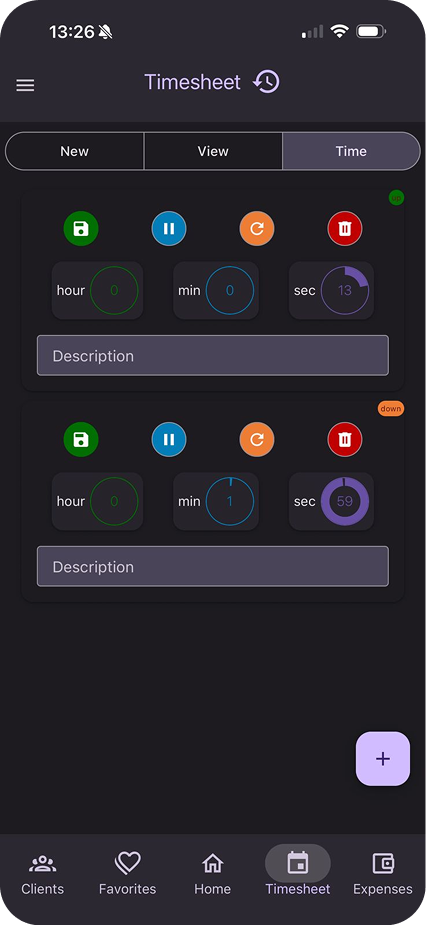
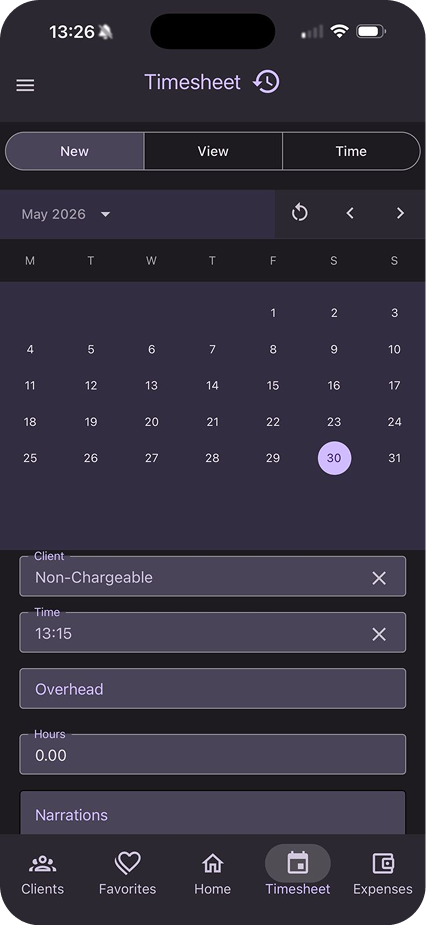
GreatSoft Mobile gives staff the power to capture timesheets in real time — from any location. Record billable hours, travel time, and mileage as you work, and sync directly with the practice management system.

Key features:

Real-time timesheet capture from any device

Mileage tracking with GPS integration

Automatic sync with GreatSoft Practice Management

Benefits:

Reduce missed billable hours and write-offs

Eliminate paper-based timesheet processes

Timesheets mobile screen

Planner Overview

GreatSoft Planner on mobile gives partners and managers real-time visibility into staff workloads, deadlines, and project status — anywhere, anytime.

Key features:

Full planner access on mobile — tasks, timelines, and assignments

Push notifications for upcoming deadlines

Team capacity view for on-the-go resource decisions

Benefits:

Stay across your practice even when out of the office

Act on bottlenecks before they become problems

Planner Overview mobile screen

Client Records

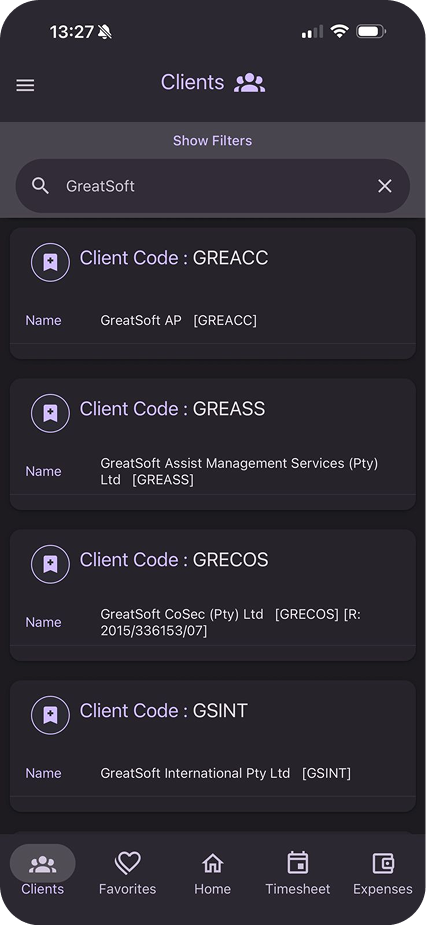
Client Records in the mobile app gives you instant access to client details, contact history, and linked documents — all from the palm of your hand.

Key features:

Full CRM client record access on mobile

View linked documents, notes, and tasks

Log calls and meetings directly against client records

Benefits:

Arrive at client meetings fully prepared

Update records in real time — no re-keying when back at the office

Client Records mobile screen

Expenses

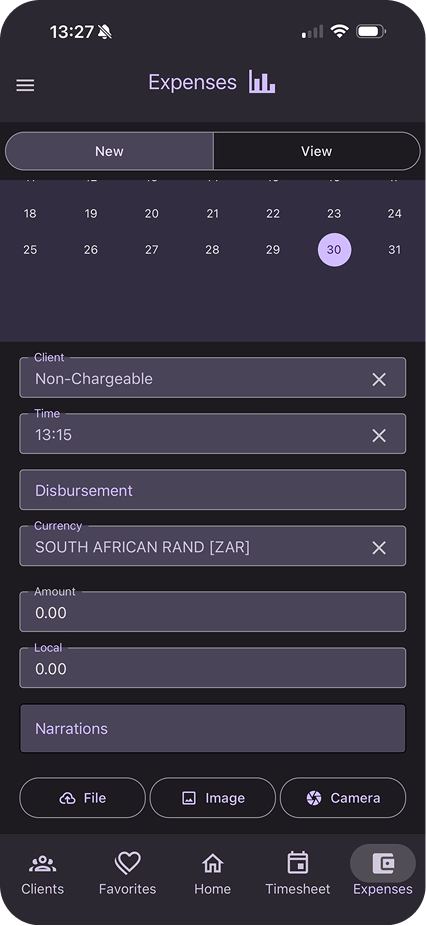
Expense capture has never been simpler. Photograph receipts, categorise spend, and submit claims for approval — all from the mobile app, in seconds.

Key features:

Receipt photo capture with automatic OCR extraction

Category tagging and client/project allocation

Approval workflows and status notifications

Benefits:

No more lost receipts or month-end expense backlogs

Faster reimbursement for staff

Expenses mobile screen

Like what you see? Let's talk

Talk to us to learn more about our practice cloud solutions.

Contact Us